Choose a design
Pick a look and layout that fit your mood.
Design it your way
Start with a template or a blank canvas. Mix photos, cutouts, stamps, and type, then adjust color, placement, and layers until every detail feels right.
Collage design tool for iPhone · Free to start, with optional in-app purchases



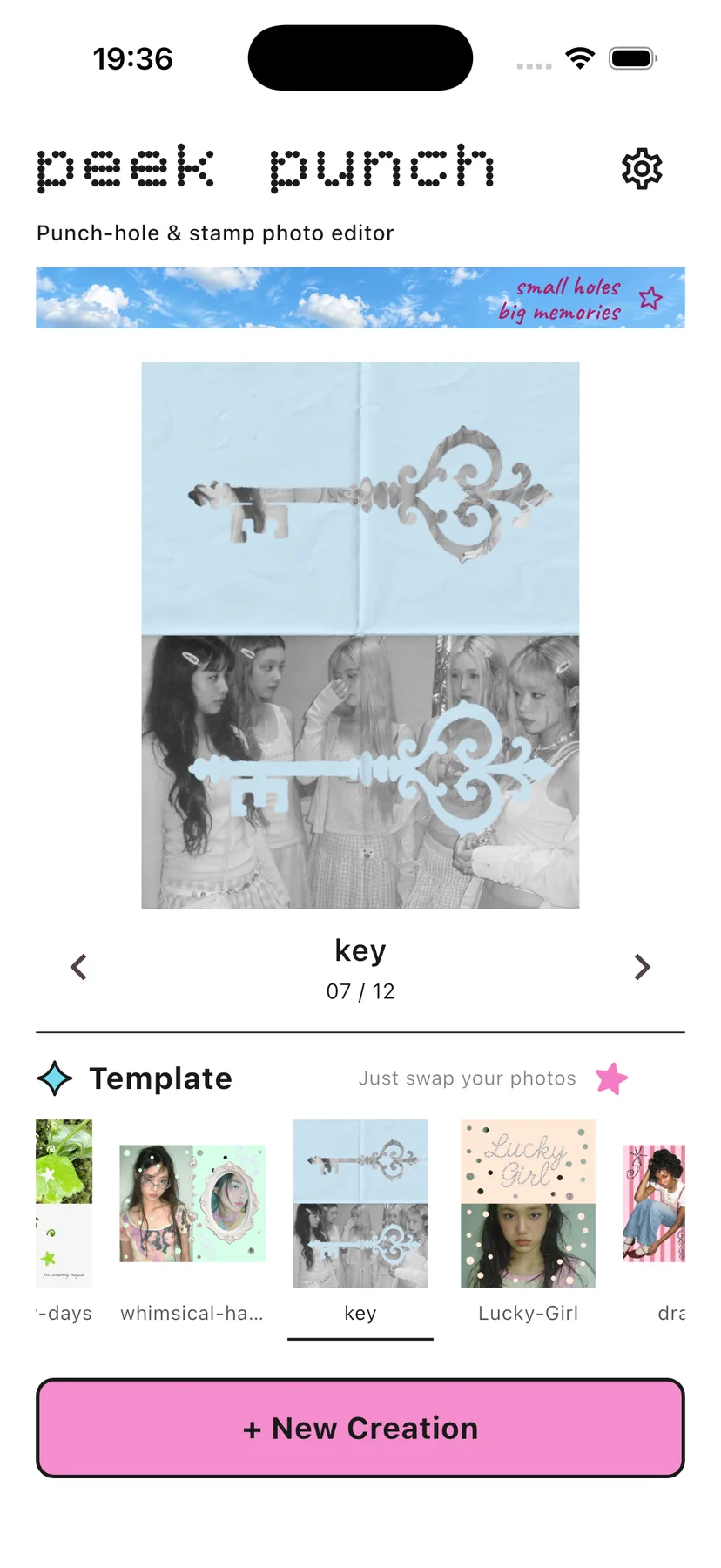
01 / Start with a template
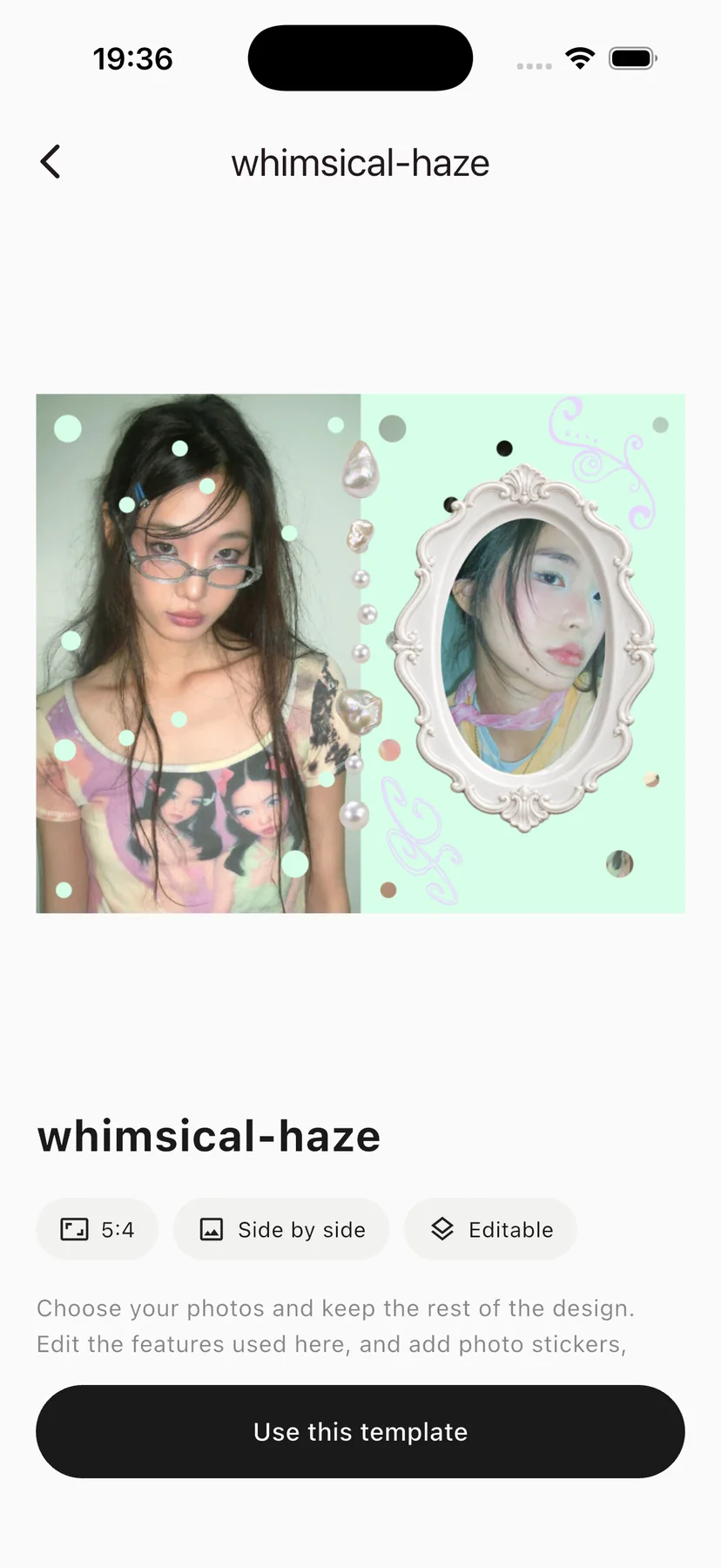
Choose from 12 ready-to-edit designs, then adjust photos, colors, layout, and details to make the look your own.


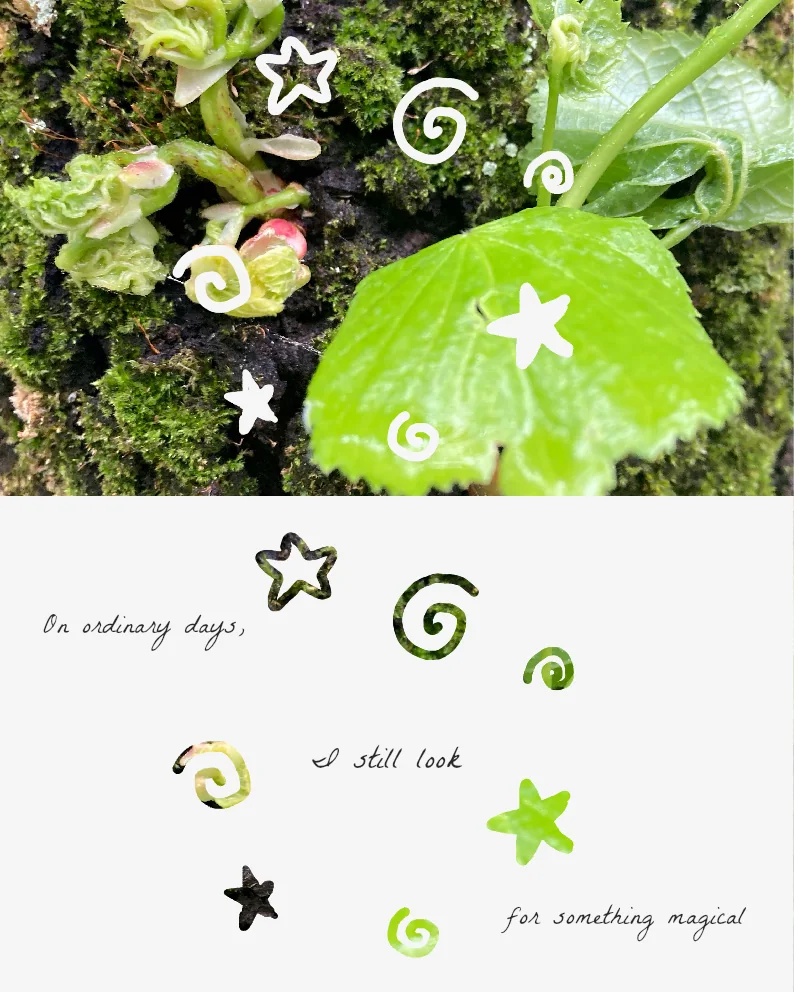

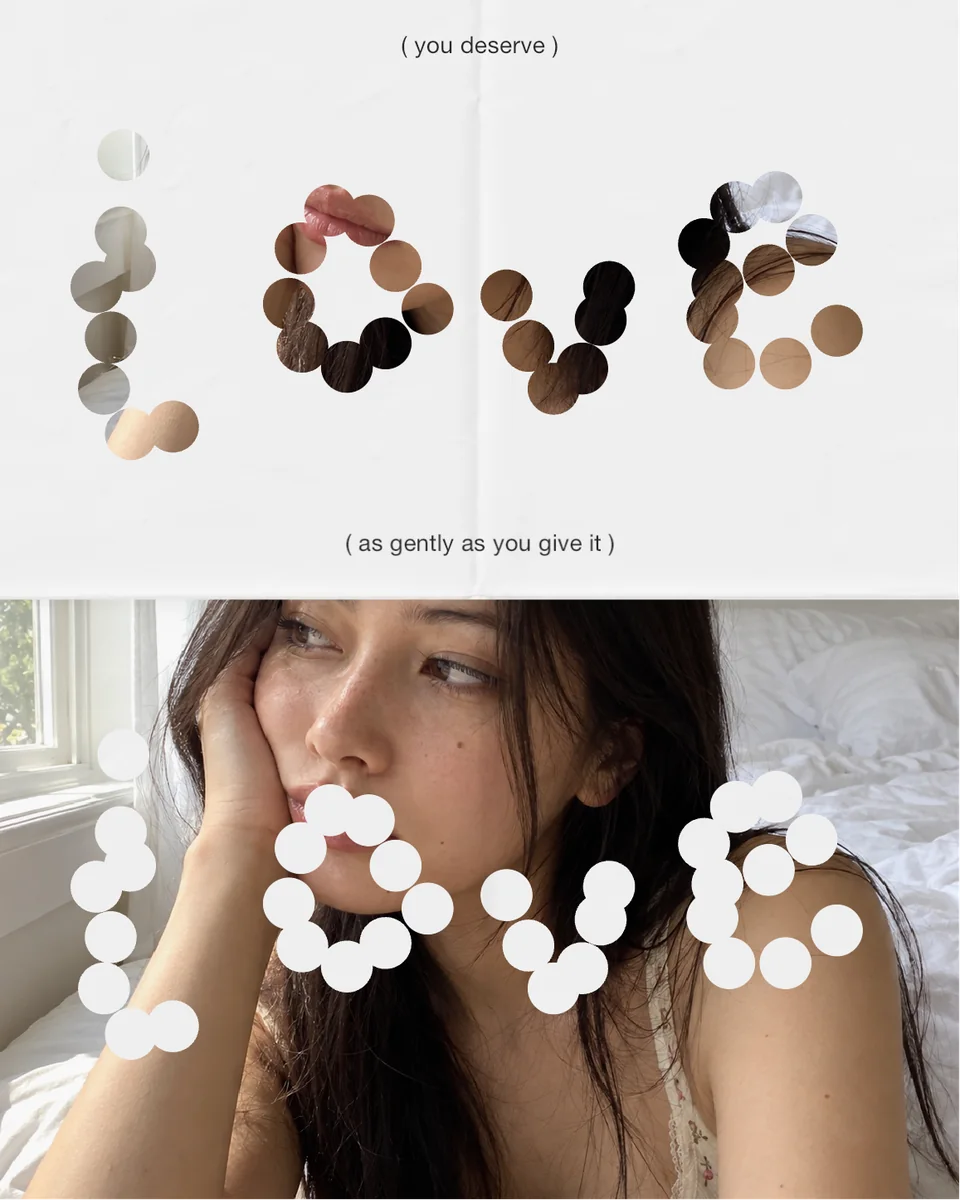


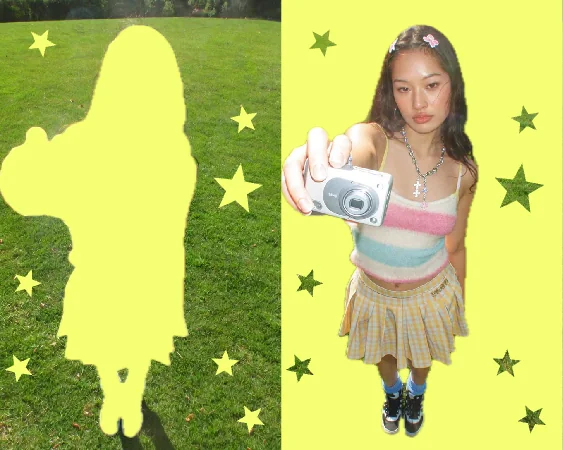


These templates are included in the app. You can edit the photos, colors, decorations, and layout.
02 / Make it yours
Pick a look and layout that fit your mood.
Adjust the crop and filter to get the look you want.
Layer cutouts, stamps, and text, then save to your photo library.
03 / Watch it work
Watch the app in action, from editing a template to starting on a blank canvas.
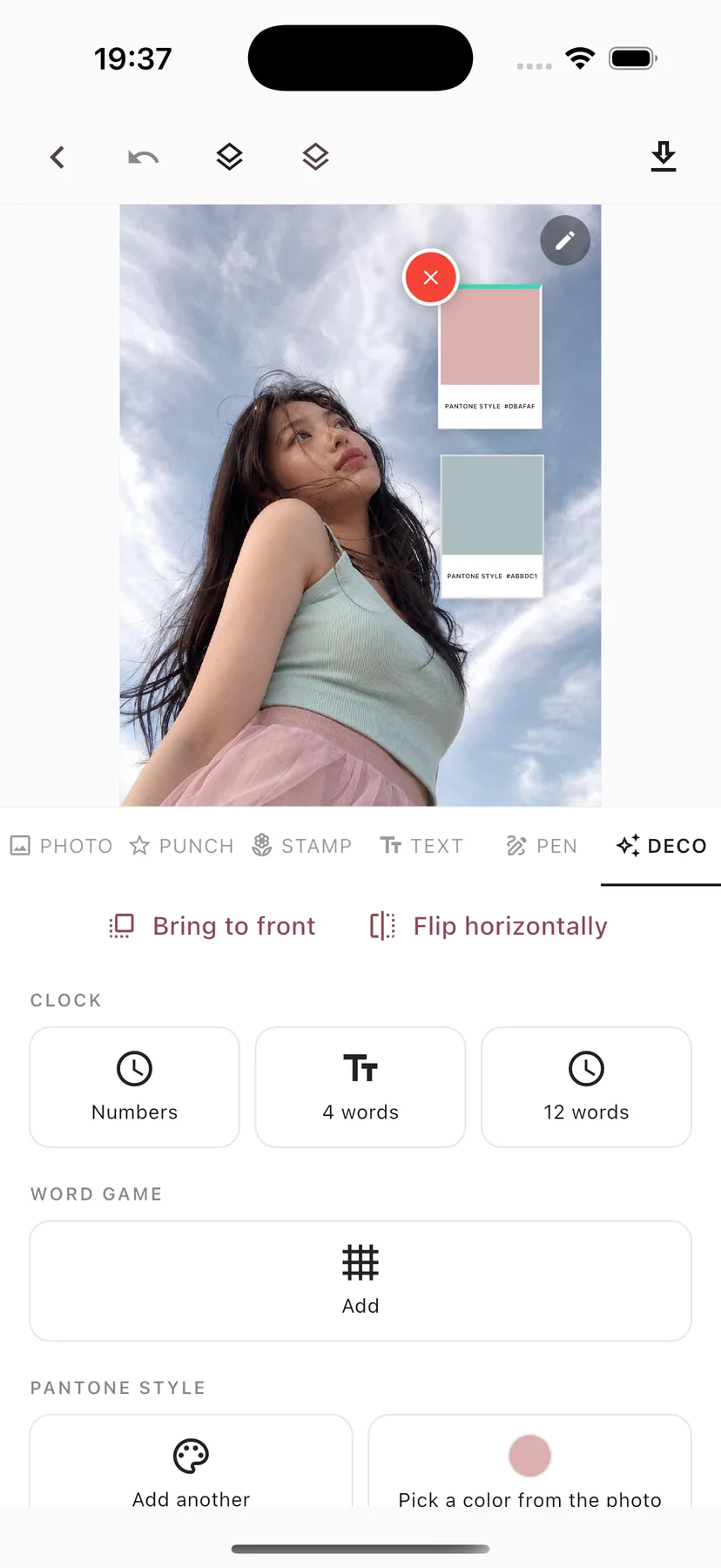
04 / Fine-tune every detail
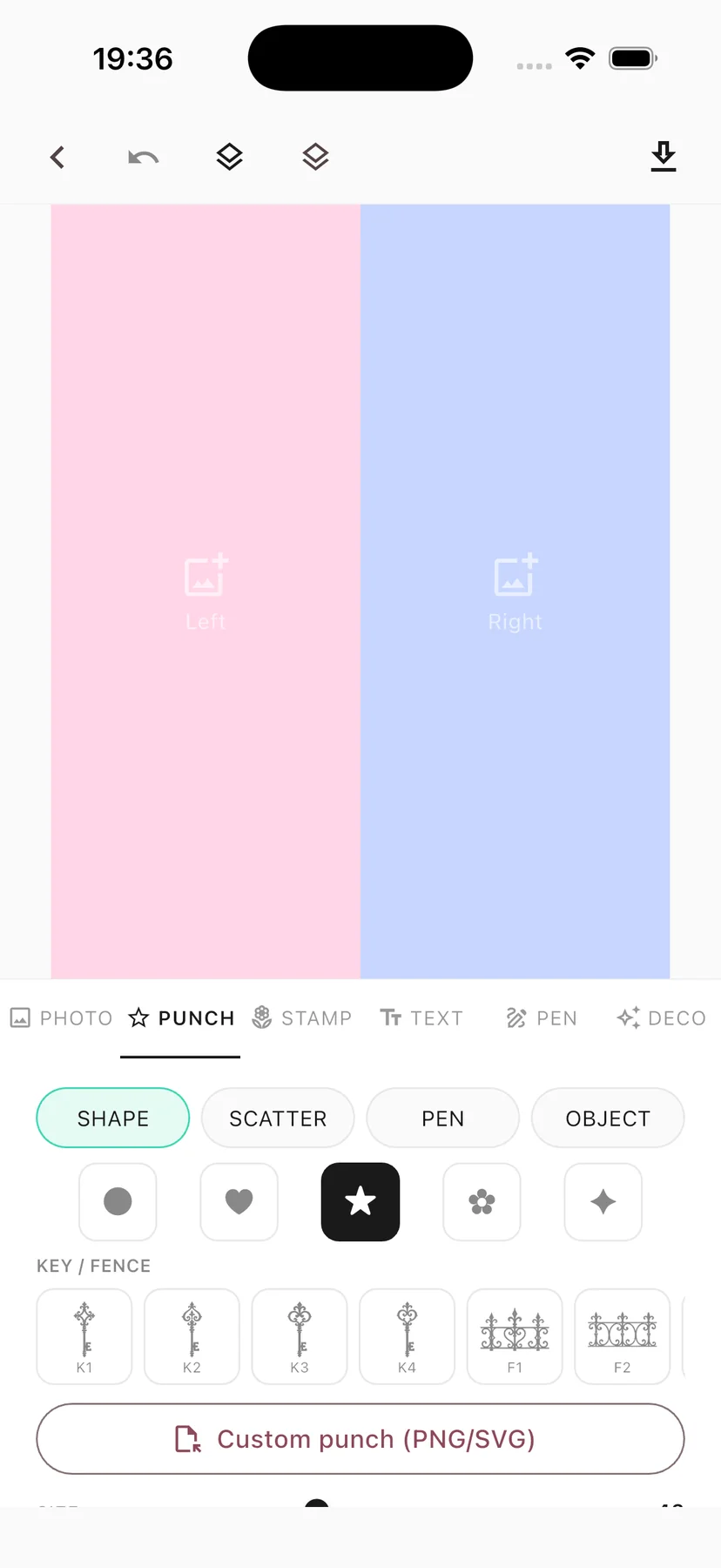
Shape cutouts, place stamps, add type, then adjust size, rotation, and layers until the balance feels right.
05 / Or start from scratch
Choose a side-by-side, stacked, or single-photo layout, then combine photos and colors. Your idea can lead the design from the first step.
Place two photos together or punch a hole to reveal the color beneath. Experiment as if you were cutting and layering paper.
peek punch PRO
More creative materials and saving options help you finish a collage just the way you want.
Some materials and features require a PRO purchase. Check the in-app purchase screen for prices and terms.
A little cutout, a lot of you
Start with a template or build your own look in peek punch.
View on the App Store